


Browse by platform
All resources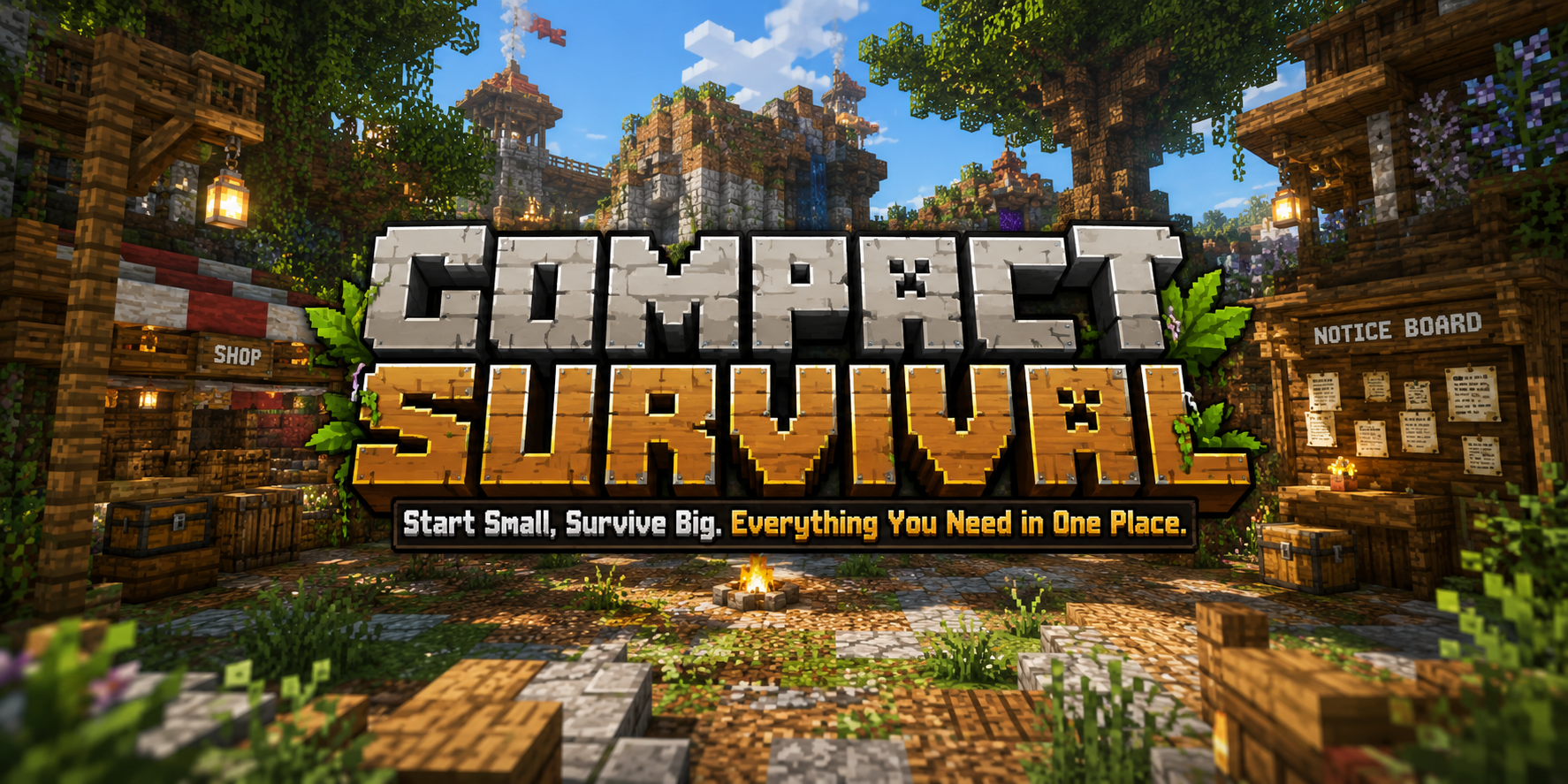
Compact Survival — a focused survival setup for smaller communities
Build a survival community around player trading, progression, and everyday rewards. Compact Survival brings a smaller spawn and a focused feature set for friend groups and growing servers.
Economy and progression
- Player shops, player warps, jobs, leveling rewards, and a server shop.
- Earnable Points, a point shop, and cosmetic rewards including trails and chat customization.
- Chat games, AFK rewards, hourly common crate keys, and crate-based sellwands.
Everyday server tools
- GriefPrevention claims to protect player builds and belongings.
- Player guidance through
/menuand/tutorials. - A moderation interface through
/easymod <player>.
Requirements
Use Paper 1.21.11 and the following required plugins:
- TAB
- ajLeaderboards
- ChatGames LITE
- CrazyVouchers
- CyberLevels
- BetterRTP
All six plugins are listed as free on our dependency page. Spigot, Purpur, and LeafMC are unsupported for this setup.
Getting started
Review the installation guide and install into a clean server directory. Review your startup settings, permissions, branding, store links, and reward settings before opening to players. Test with an ordinary player account as well as an administrator.
Documentation and support
See the Compact Survival documentation and release notes. Cracked servers are outside the supported scope.
Spawn by ImmortalStudios (@Cincog).
Details
- Category Server Setups
- Latest Version v1.0.1
- Released
- Last Updated
- Views 629
More from this Creator
Legion Services
Get this installed, extended, or customized to fit your setup.
Updates
No reviews yet. Be the first to leave a review!
Resource Team
Meet the people who build and support this software.

No team members have been added yet.