


Browse by platform
All resources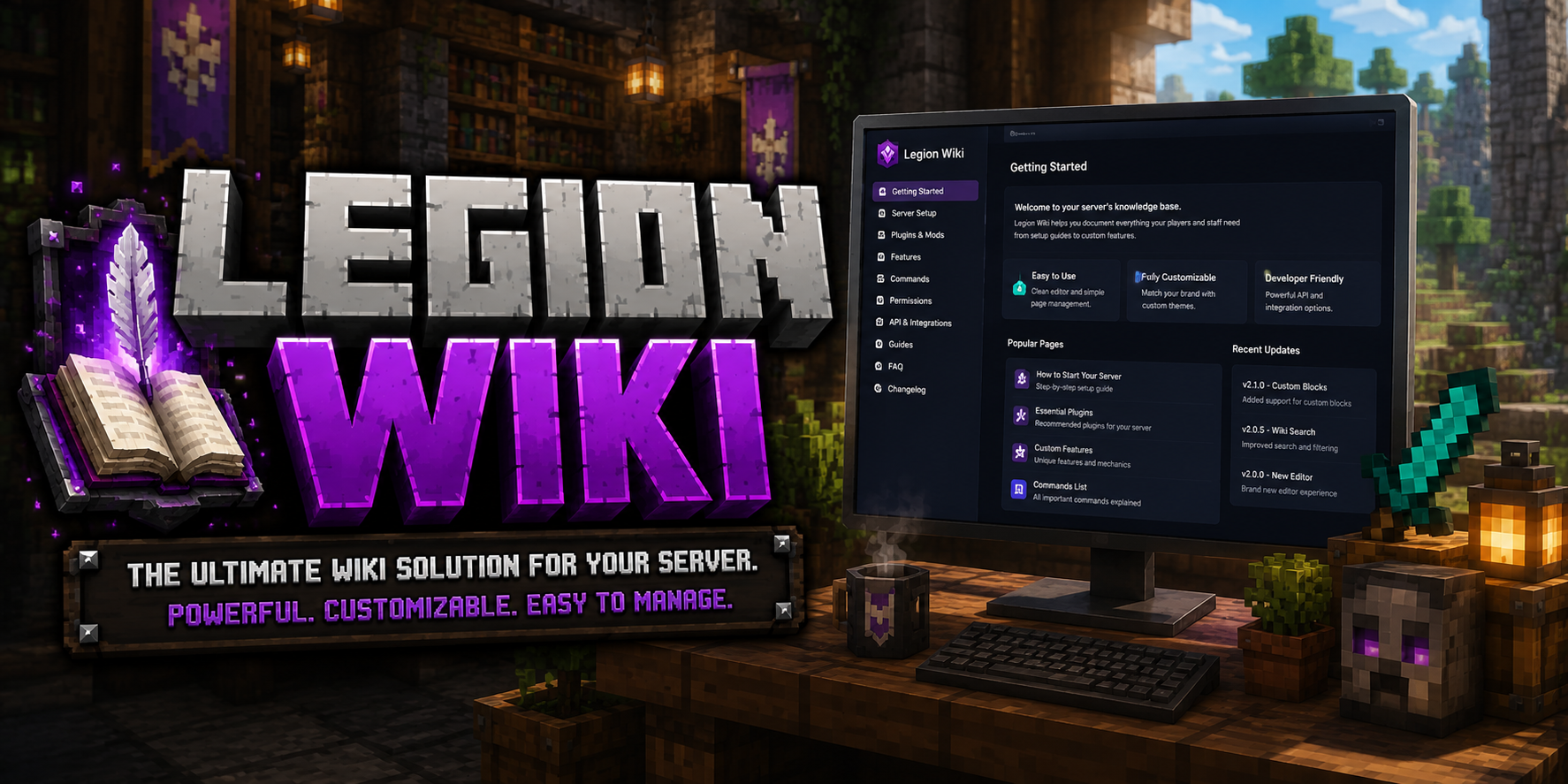
A polished documentation website package for Minecraft communities and gaming networks. Use it for rules, guides, setup instructions, changelogs, support pages, and resource information.
Includes:
- Responsive documentation layout
- Organized pages for server information and support
- Clean navigation for players and staff
- Policy-clean branding and included assets
This listing is original Legion Network Studios work and does not include third-party brand assets or trademarked server names.
Details
- Category Websites
- Latest Version v2.1.1
- Released
- Last Updated
- Views 463
Roadmap
This product has a public tracker. Nothing has been filed yet — request a feature or report an issue and it will appear here.
More from this Creator

Legion Services
Get this installed, extended, or customized to fit your setup.
Updates
Policy-clean package refresh with updated marketplace branding, neutral product naming, and no third-party trademark references.
This update rebrands the project from WikiHub to LegionWiki and adds the new admin editing workflow.
What changed:
Updated the site branding, layout copy, links, and Legion Network assets
Added the
/admindashboard for editing wiki structure and page content from the browserAdded admin login setup through
VITE_LEGIONWIKI_ADMIN_EMAILandVITE_LEGIONWIKI_ADMIN_PASSWORDUpdated the default wiki content, navigation, buttons, and customer-facing docs copy
Added hosting support files for direct routes like
/adminand/welcomeRefreshed the packaged source as
LegionWiki.zip
Before uploading to your host, set your own admin email and password in the environment file, build the site, then visit /admin to manage the wiki.
Policy-clean package refresh with updated marketplace branding, neutral product naming, and no third-party trademark references.
This update rebrands the project from WikiHub to LegionWiki and adds the new admin editing workflow.
What changed:
Updated the site branding, layout copy, links, and Legion Network assets
Added the
/admindashboard for editing wiki structure and page content from the browserAdded admin login setup through
VITE_LEGIONWIKI_ADMIN_EMAILandVITE_LEGIONWIKI_ADMIN_PASSWORDUpdated the default wiki content, navigation, buttons, and customer-facing docs copy
Added hosting support files for direct routes like
/adminand/welcomeRefreshed the packaged source as
LegionWiki.zip
Before uploading to your host, set your own admin email and password in the environment file, build the site, then visit /admin to manage the wiki.
No reviews yet. Be the first to leave a review!
Bug Reports & Feature Requests
Submit a bug report, feature request, or issue for this software.
Submit IssueResource Team
Meet the people who build and support this software.

No team members have been added yet.