


Official Marketplace
Everything your server needs, and the people who build it
Legion Network is a creator marketplace, services platform, hosting provider, and gaming community for digital creators and server owners. What is Legion Network?
Plugins, builds, and complete setups for the platforms you actually run — each one versioned, licensed, and supported by the creator. Need it tailored? Book the work in the same place.
Founding Creator 25 25 founding positions for approved external creators. See the program
Browse by Category
43 categories across 10 platforms, from single plugins to complete server setups.
Latest Additions
The most recent additions to the catalogue.
LumenDuels
.thumb.webp.3689e7f0a4c6d1b0f3a4f2cabdf9aa99.webp)
LumenDuelsLumenDuels is a modern, premium dueling plugin built to deliver a fast, polished, and competitive PvP experien...
LumenShards
LumenShardsLumenShards is a modern, lightweight shard-based currency plugin designed to give Minecraft servers a clean a...
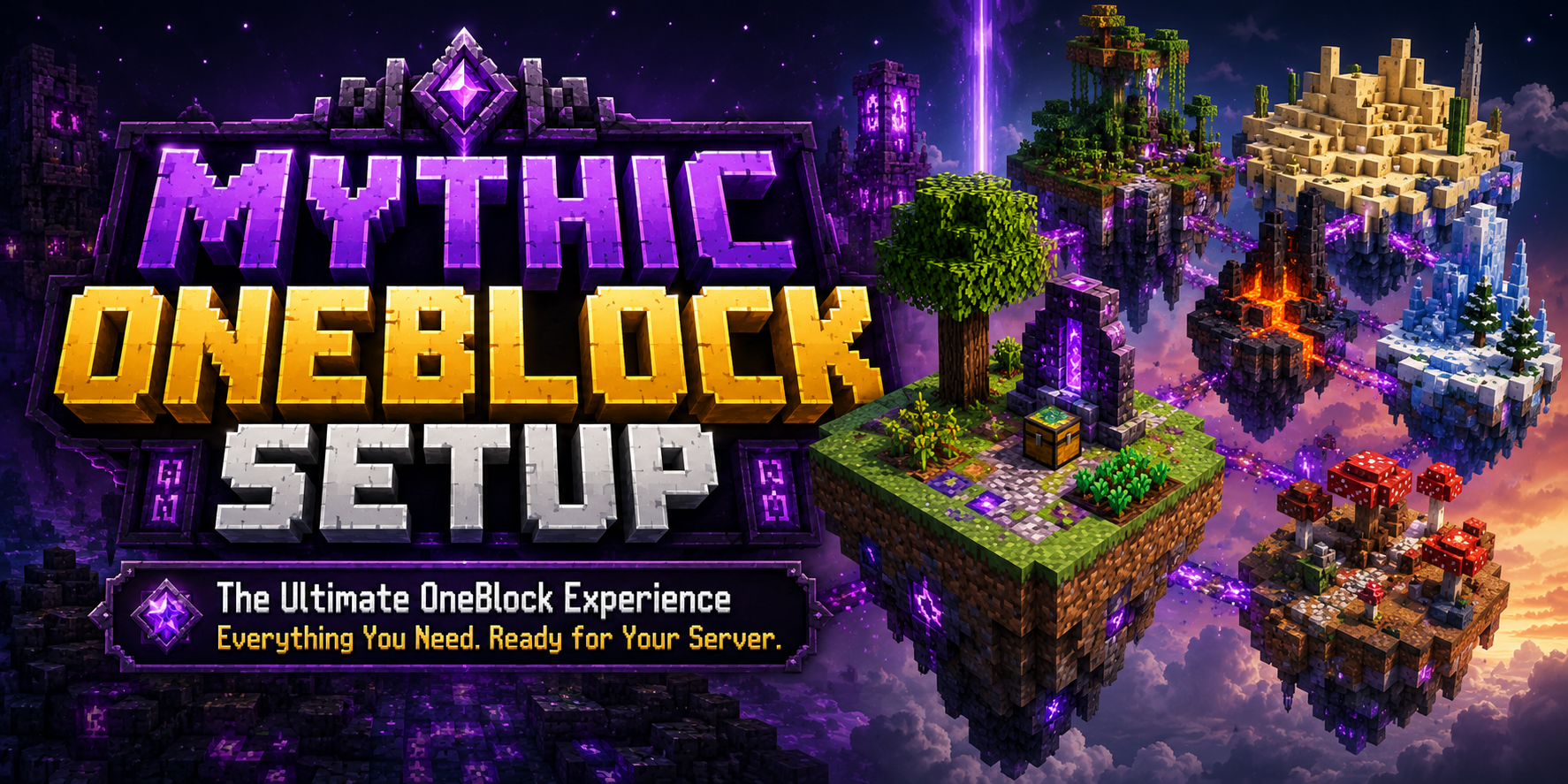
Mythic OneBlock - Modern Server Setup

A modern OneBlock server setup for Minecraft communities. This package includes a ready-to-run server structure with con...
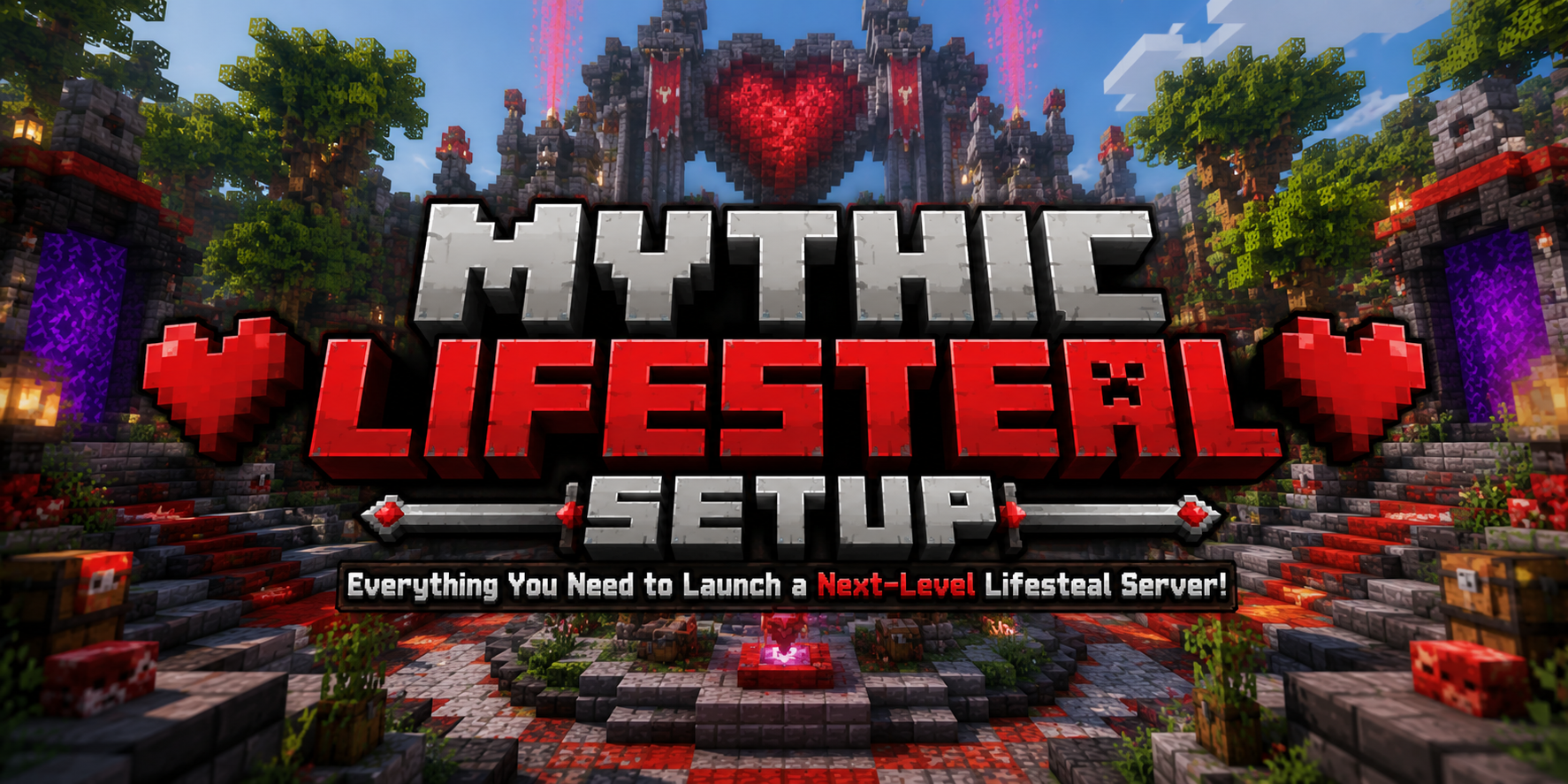
Mythic Lifesteal - Modern Server Setup
A modern Lifesteal server setup for Minecraft communities. This package includes a ready-to-run server structure with co...
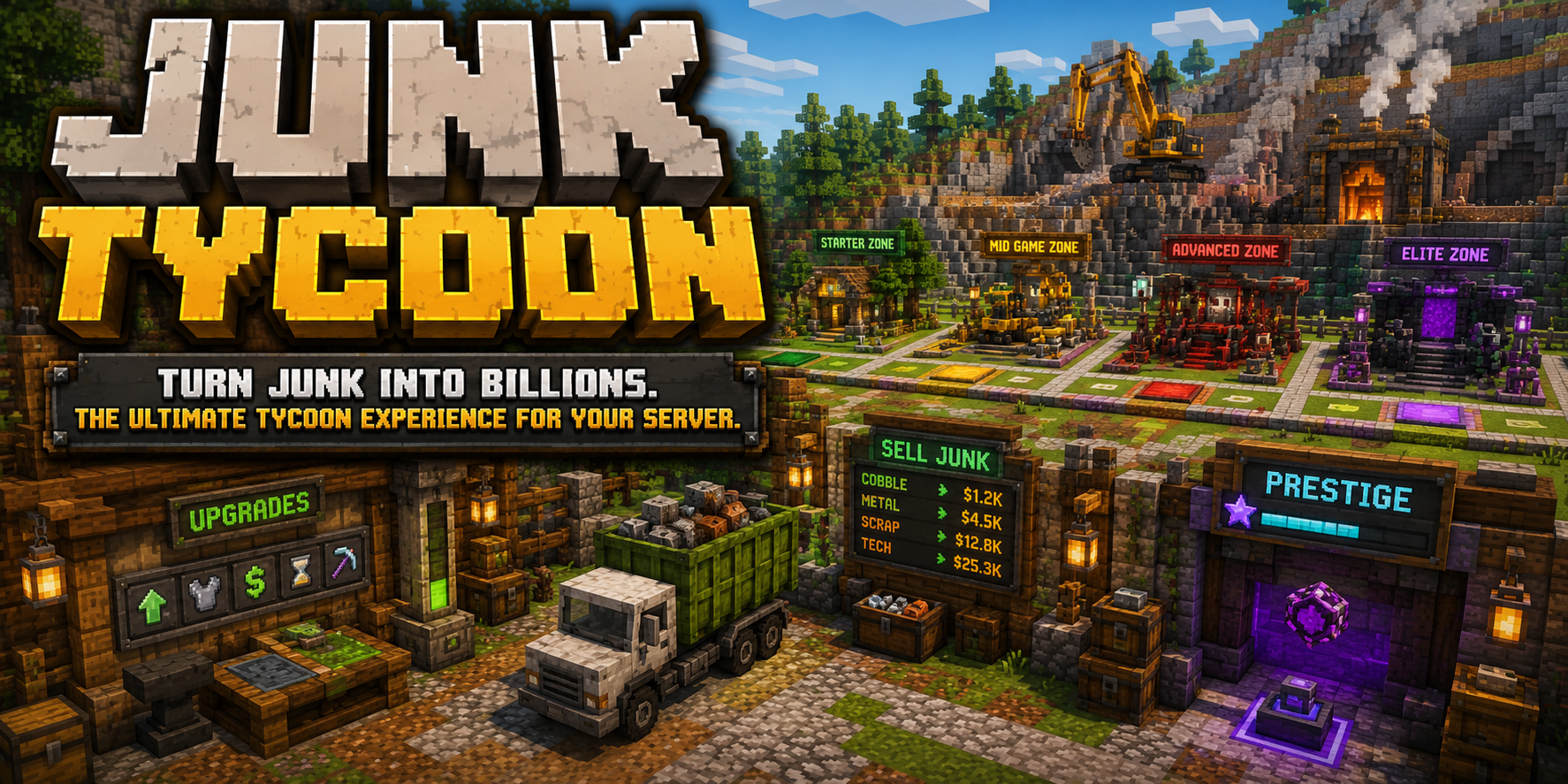
JunkTycoon Setup - Progression Game
A progression-focused tycoon server setup for Minecraft communities. JunkTycoon packages the core server files, world da...
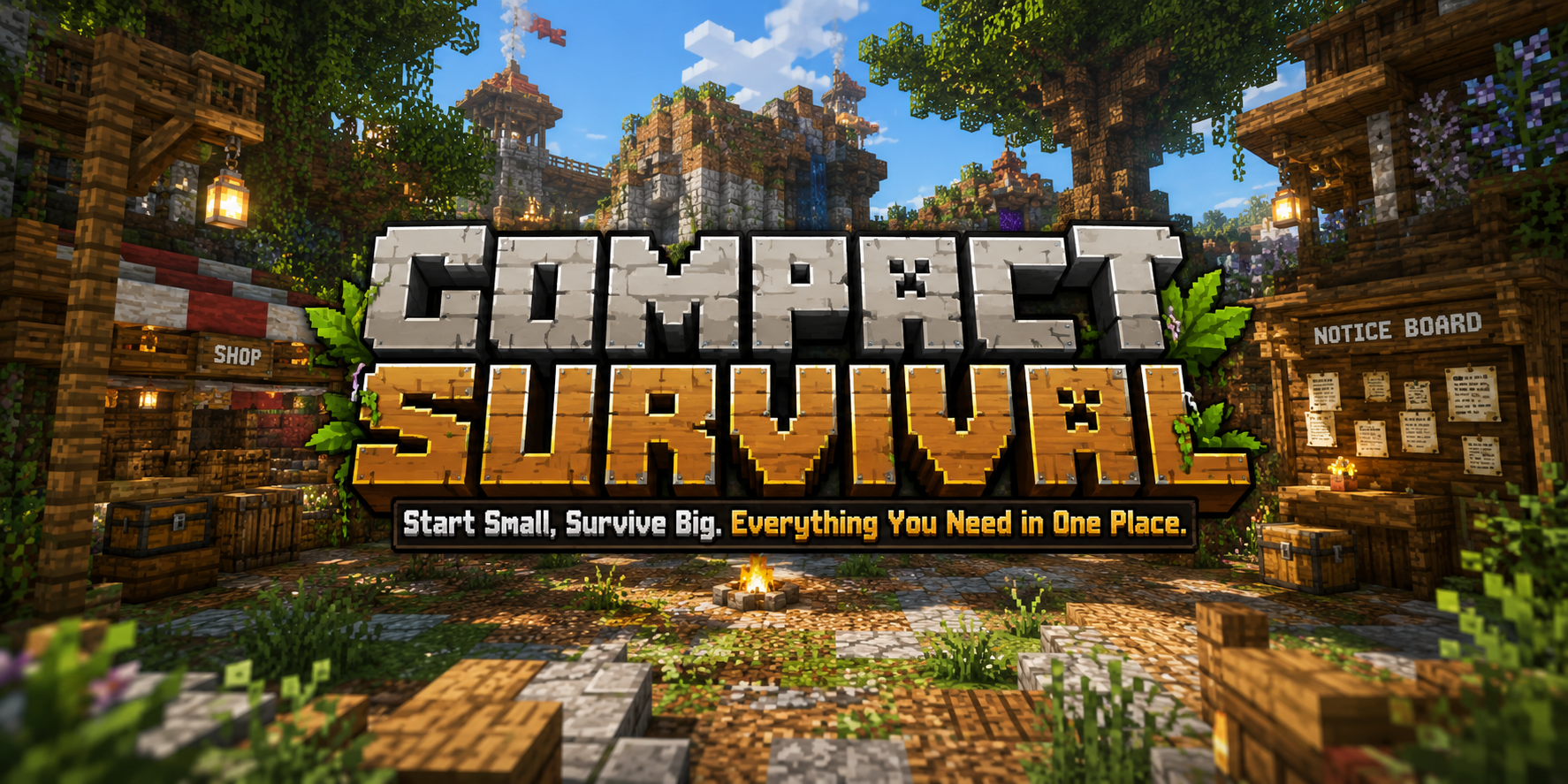
Compact Survival - Simple Server Setup
A compact survival server setup for Minecraft communities that want a clean, simple starting point without heavy brandin...
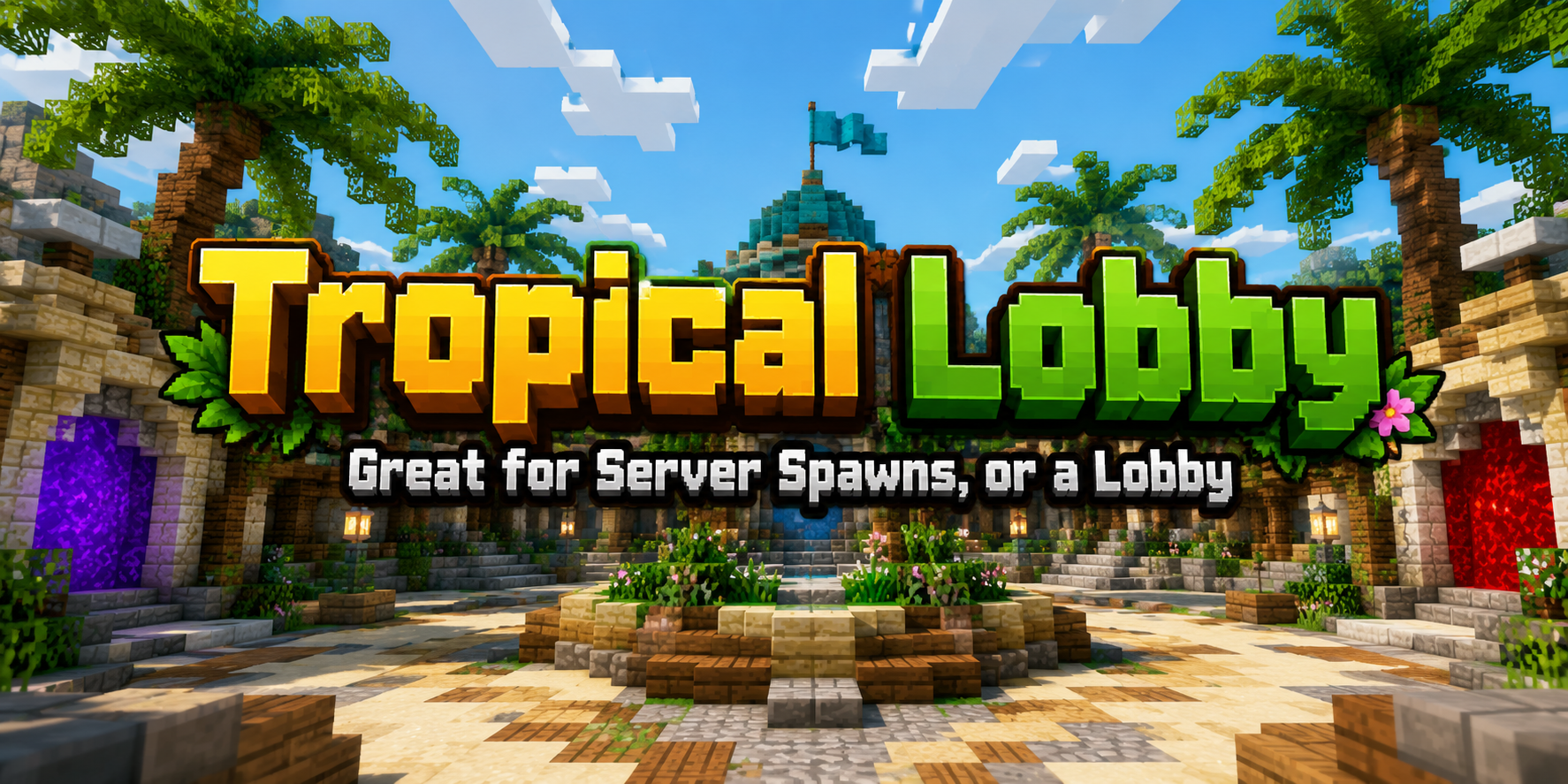
Professional Tropical Lobby
A polished tropical lobby schematic for Minecraft servers. This build is designed as a professional spawn or hub environ...
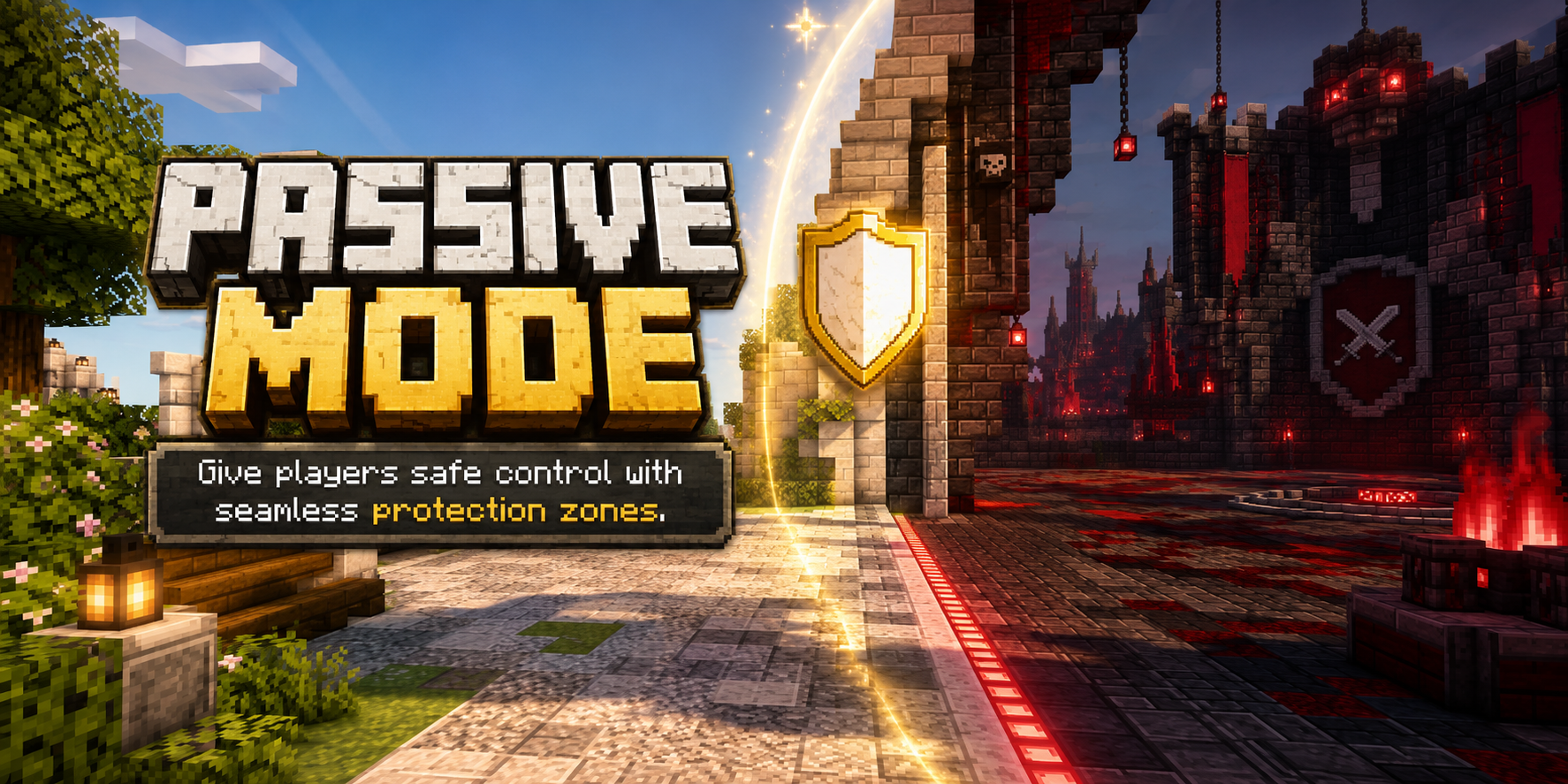
Passive Mode
A passive-mode plugin for Minecraft servers that lets players opt into safer gameplay states while staff keep control ov...
Founding program
Founding Creator 25
Legion Market is opening 25 founding positions to approved external creators. Applications are reviewed individually: positions are selected, not first-come, and are awarded only after written acceptance.
- 0% Legion platform commission for 12 months while Ultimate membership is active.
- 12 months of Ultimate membership, granted at written acceptance.
- No marketplace exclusivity. Keep selling wherever you sell today.
- Concierge catalogue migration and priority launch support.
Applying does not guarantee acceptance, and sales are never guaranteed.
Built for the people who make things, and the people who run them
If you build
Publish once and keep control of it.
- Versioned releases with changelogs, so buyers see exactly what changed.
- A roadmap on every resource for bugs and planned work.
- Licence keys and usage limits handled for you.
- Support routed however you choose, and earnings you can withdraw.
If you run a server
Know what you are installing before you install it.
- Current version and last update date on every listing.
- Open issues and planned work visible before you buy.
- Support handled by the creator, not a dead forum thread.
- Legion can install, extend, or customise anything here.